
Add a workout
Analyze workout
Choose a photo of the workout and analyze it to fill in the details quickly.
How to use
How to analyze a workout
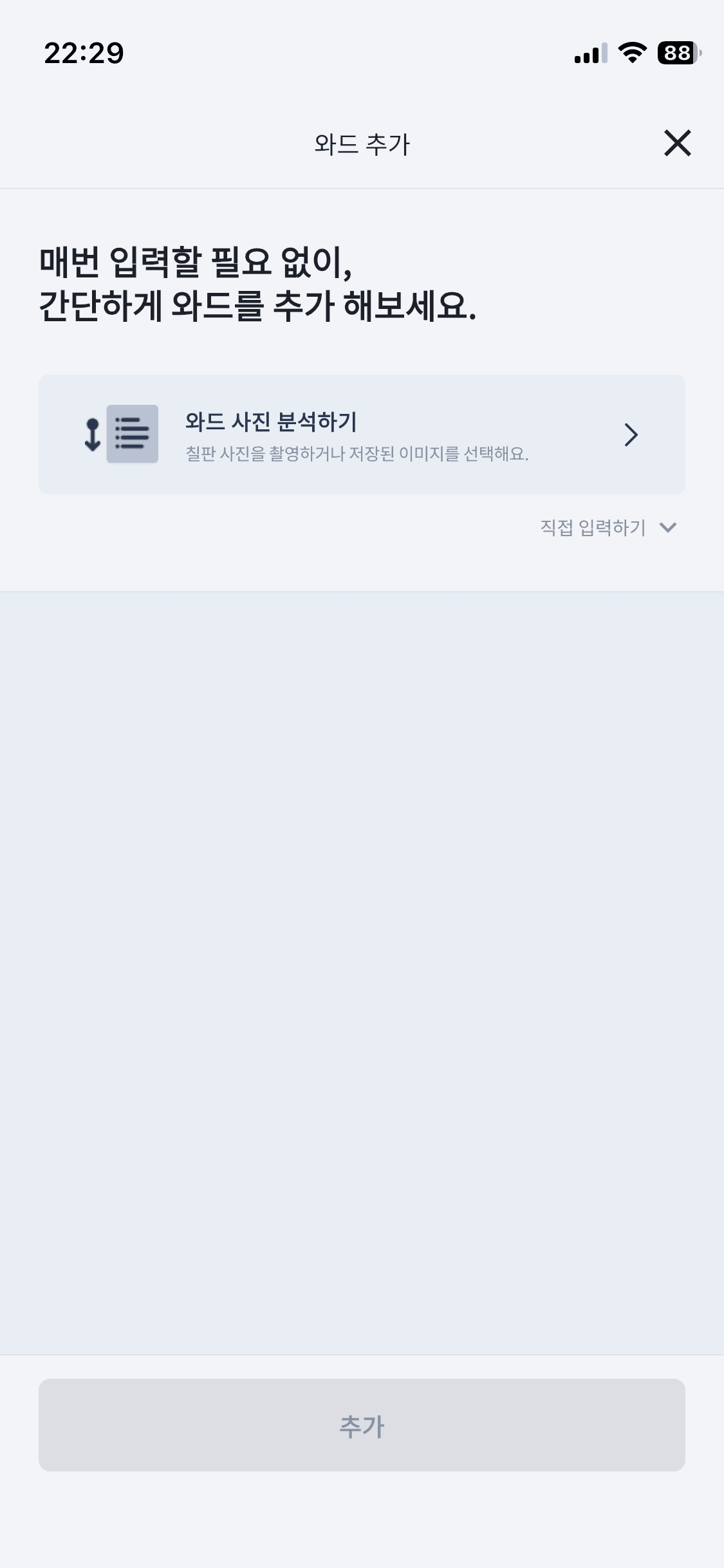
Step 1
Choose a workout photo
Choose a photo of the workout board or a saved workout screenshot.
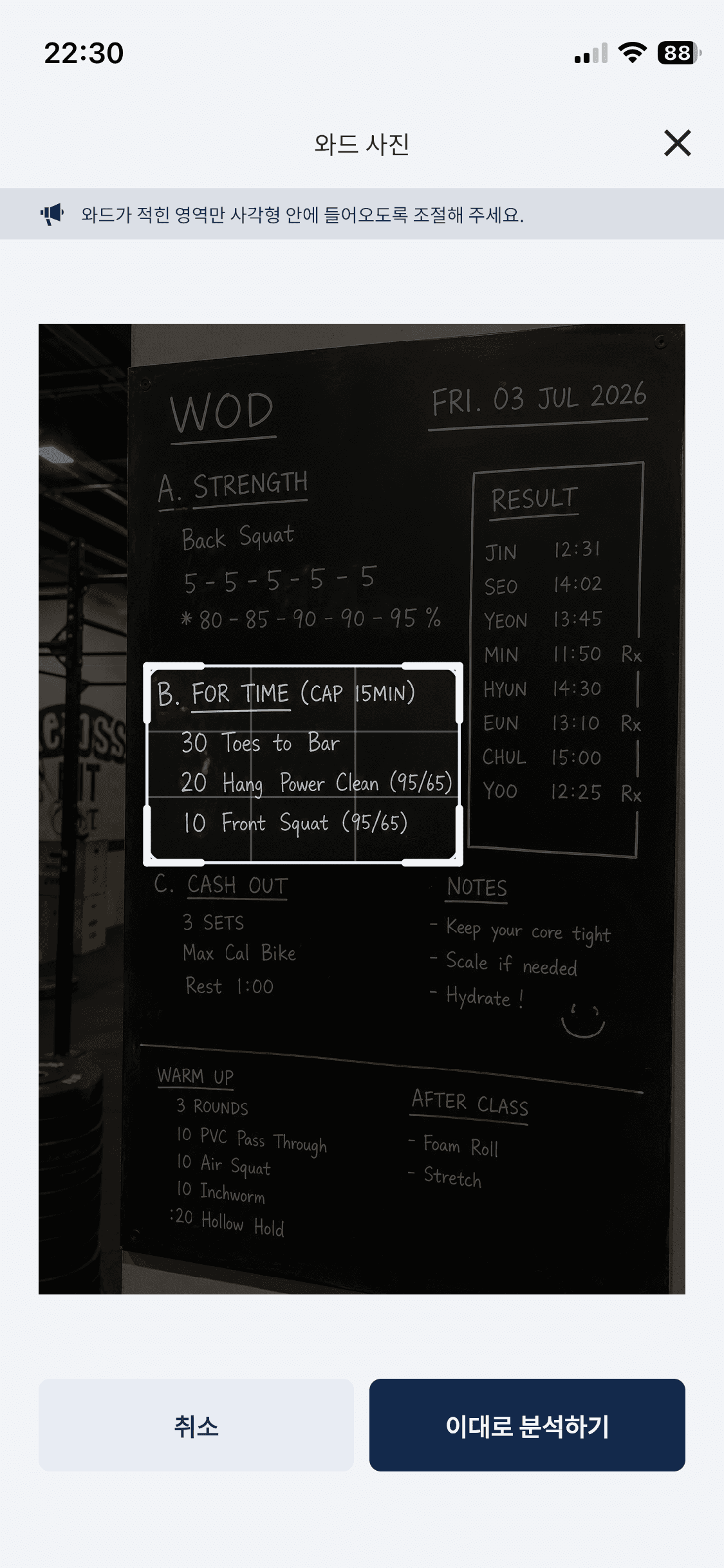
Step 2
Crop the image
Crop the image so only the workout area remains.
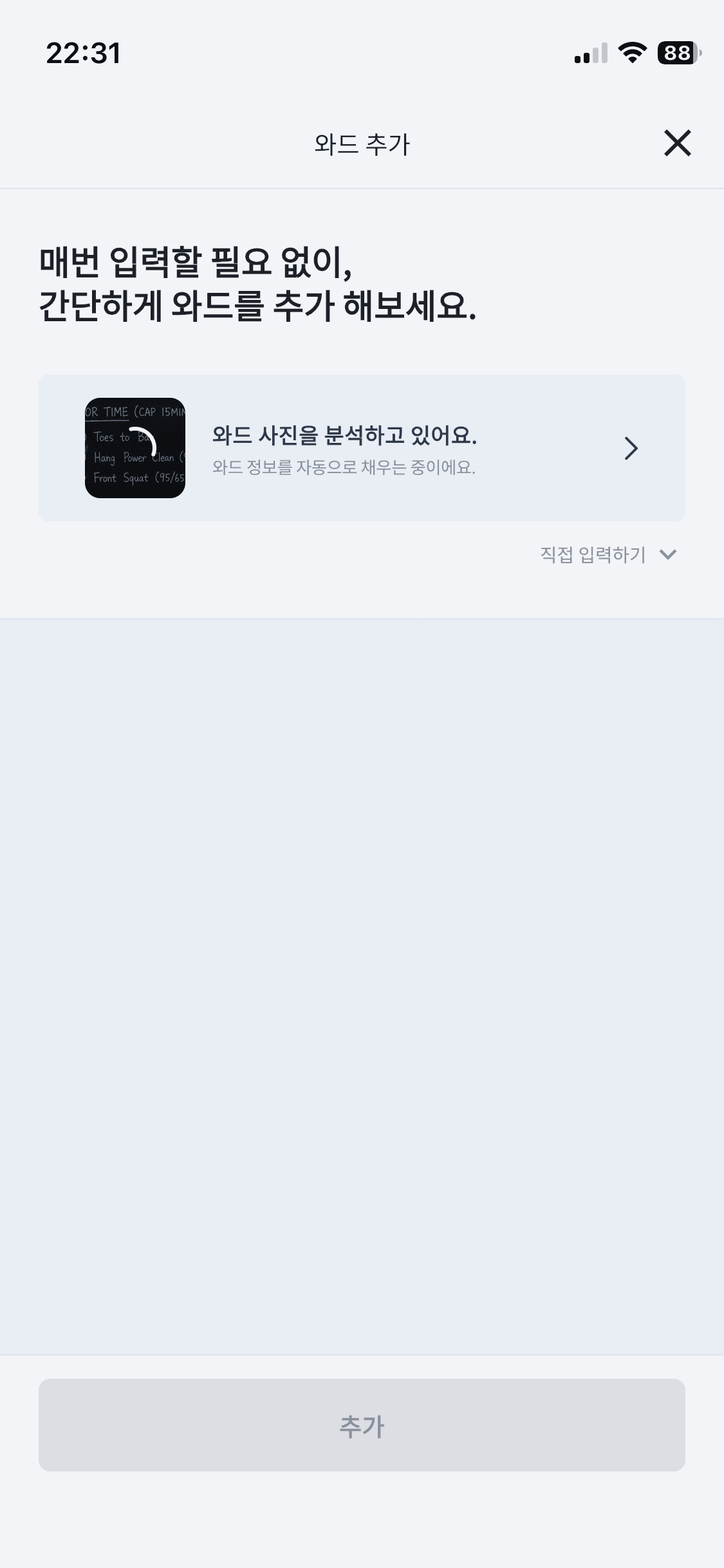
Step 3
Request analysis
Request analysis to organize the format, movements, and reps in about ten seconds.
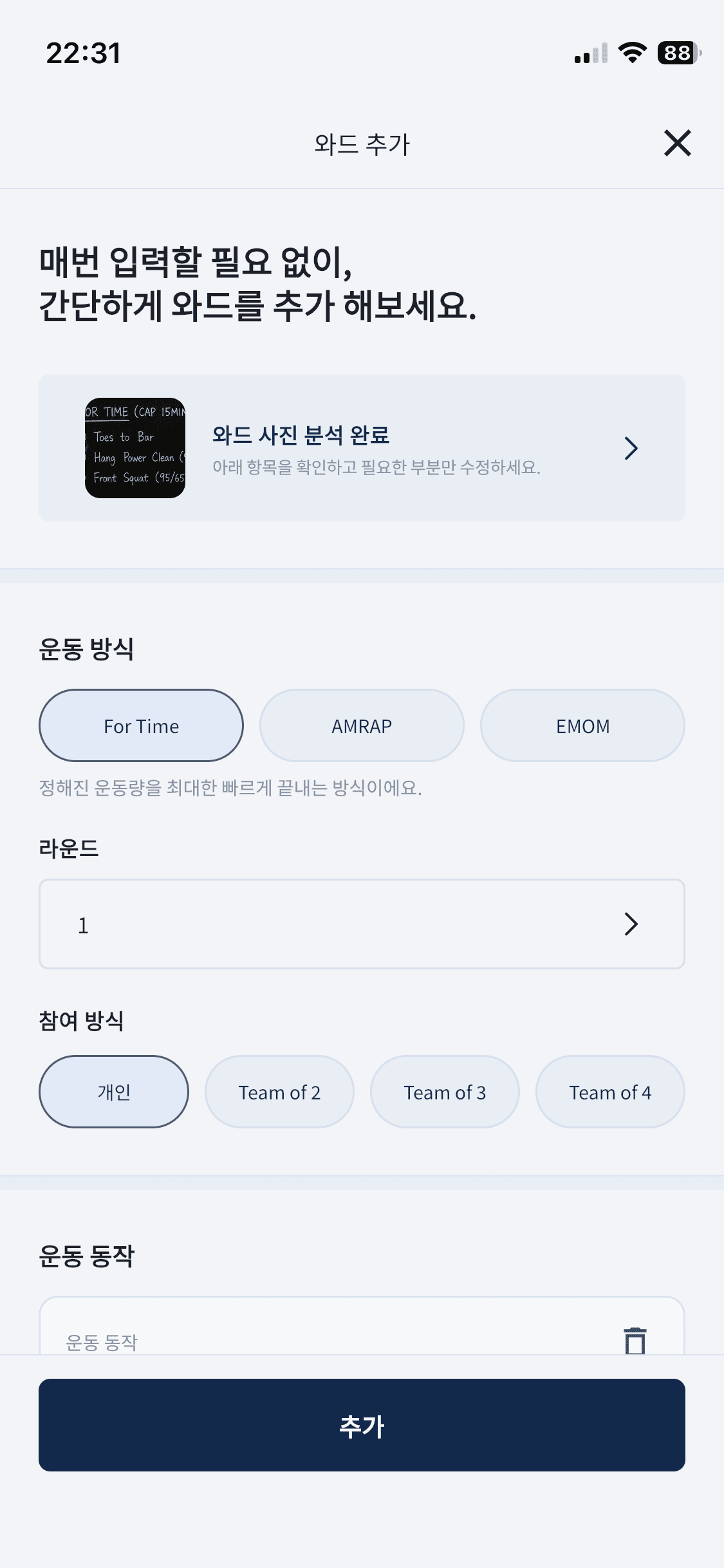
Step 4
Review and edit the result
Check the result and correct any movement names or numbers that were read incorrectly.
Help Center