
Create a share card
Save & share
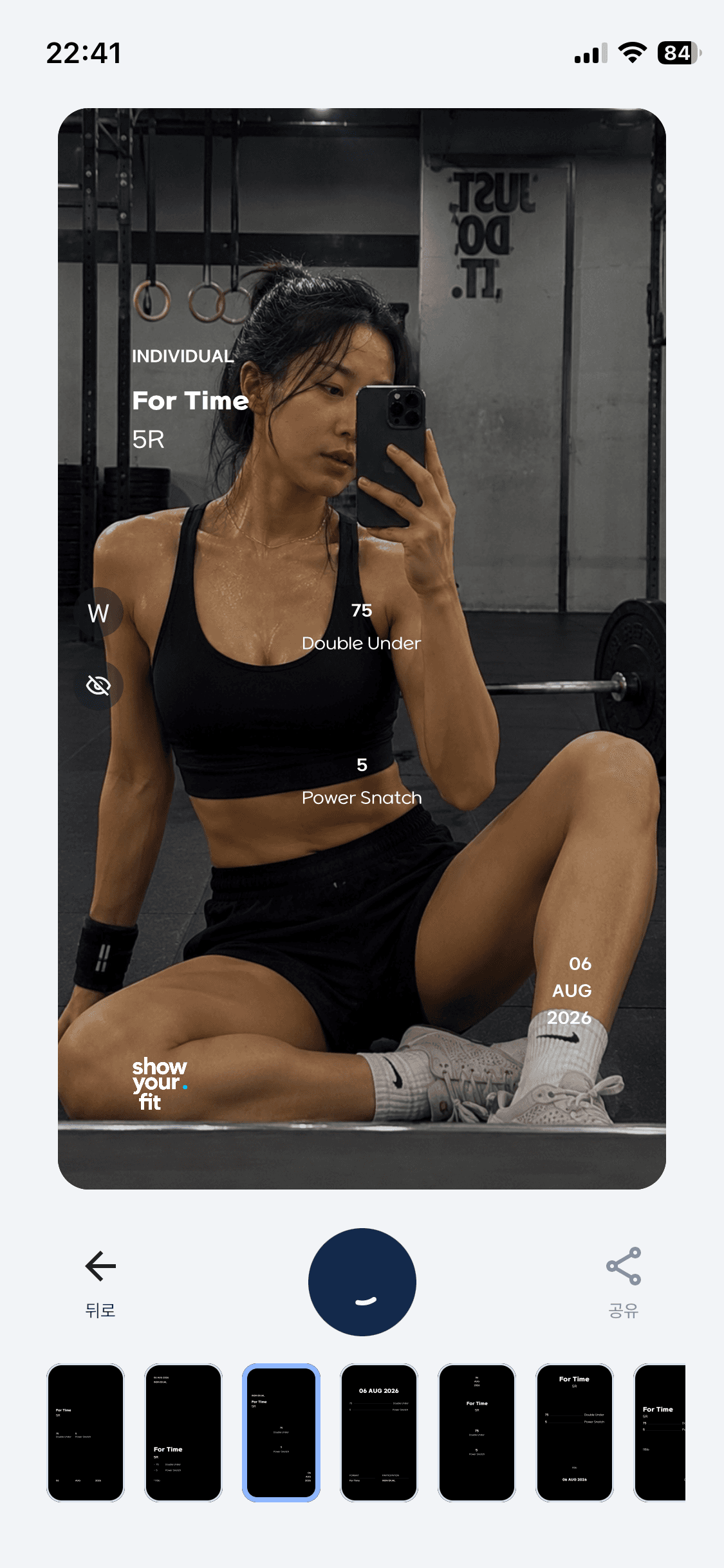
Choose a template to save your share card or share it to Instagram Stories.
How to use
Save & share
Step 1
Choose a template and save
Choose a template you like, then tap the Save button in the middle of the screen.
Step 2
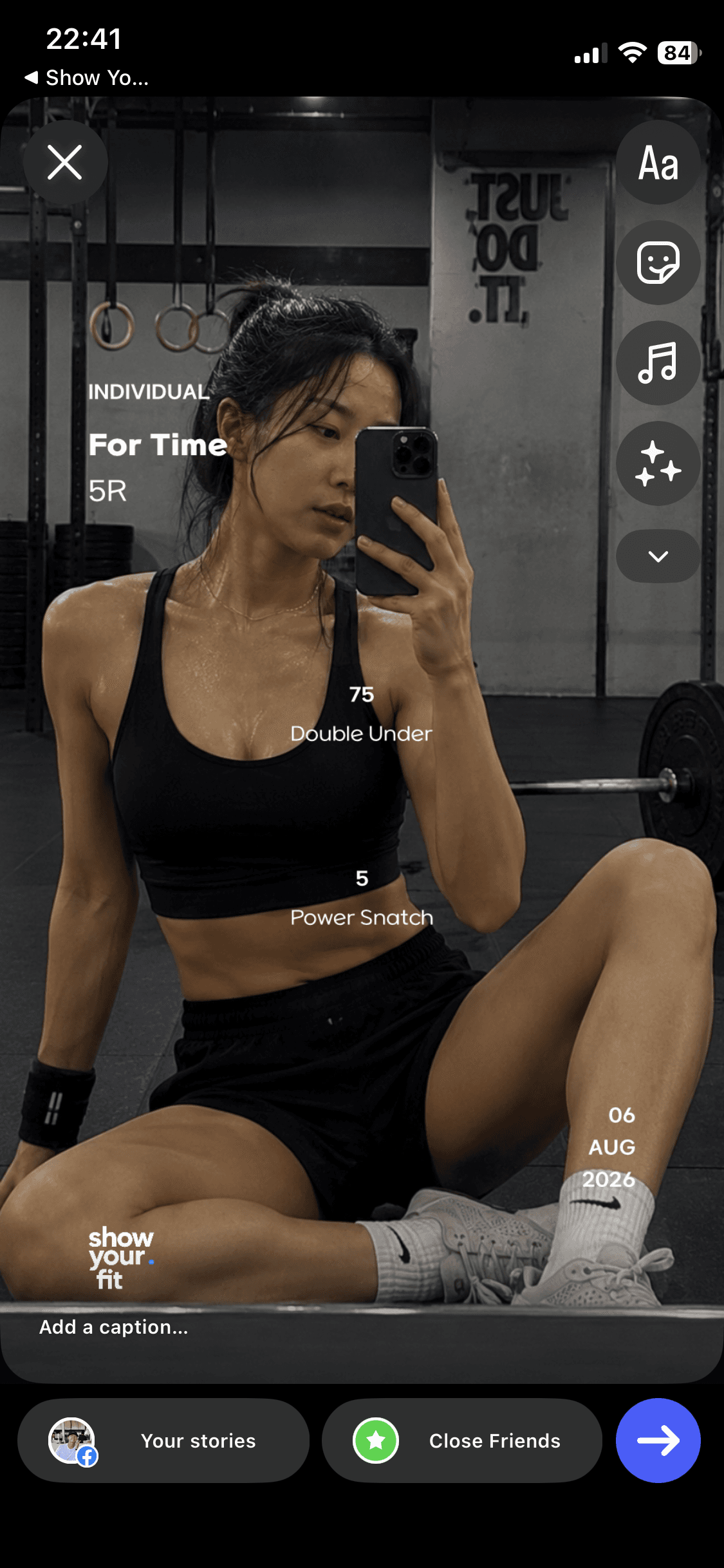
Story sharing
Tap Share in the bottom right to send your share card directly to Instagram Stories.
Help Center