
Create a share card
Choose from gallery
Bring a photo or video from your device gallery into a share card template.
How to use
Choose from gallery
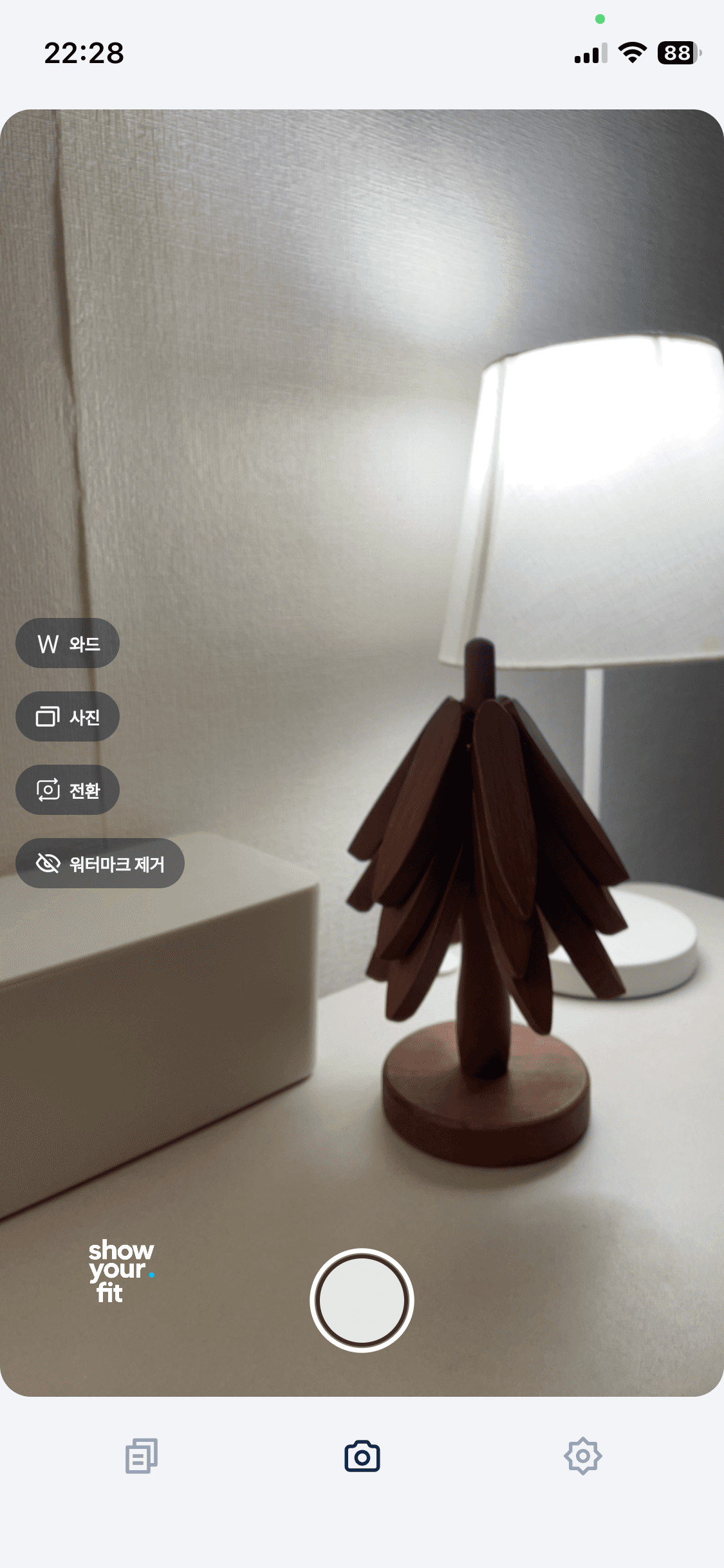
Step 1
Choose the photo chip
Tap the photo chip on the left to start choosing from your gallery.
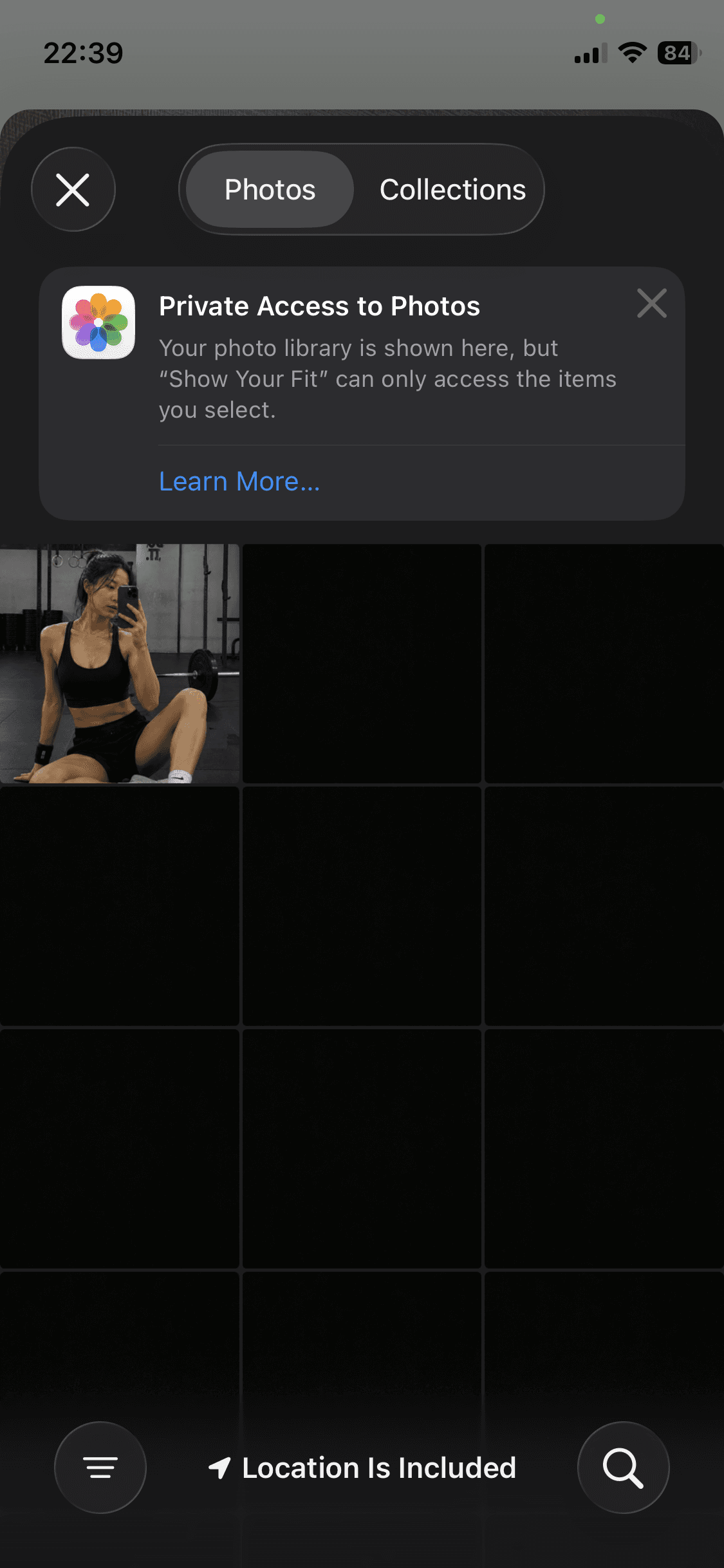
Step 2
Choose a photo or video
Choose the photo or video you want to use for the share card.
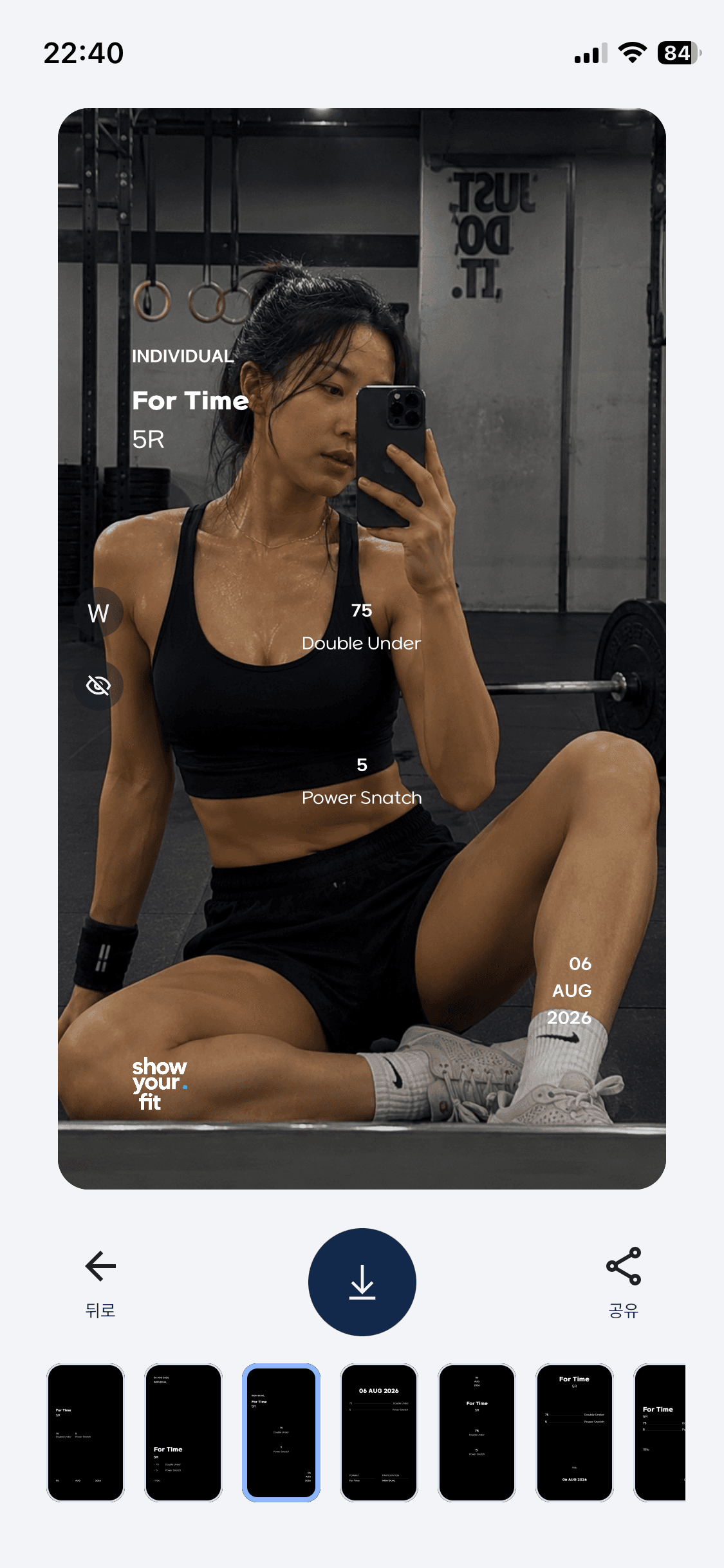
Step 3
Choose from a swipe or the template list
Swipe left or right, or select the template you want from the list below.
Help Center